How to Spot and Cancel Forgotten Subscriptions Draining Your Account
People think they spend $86 a month on subscriptions; the real number is near $219. That gap is the quiet leak.
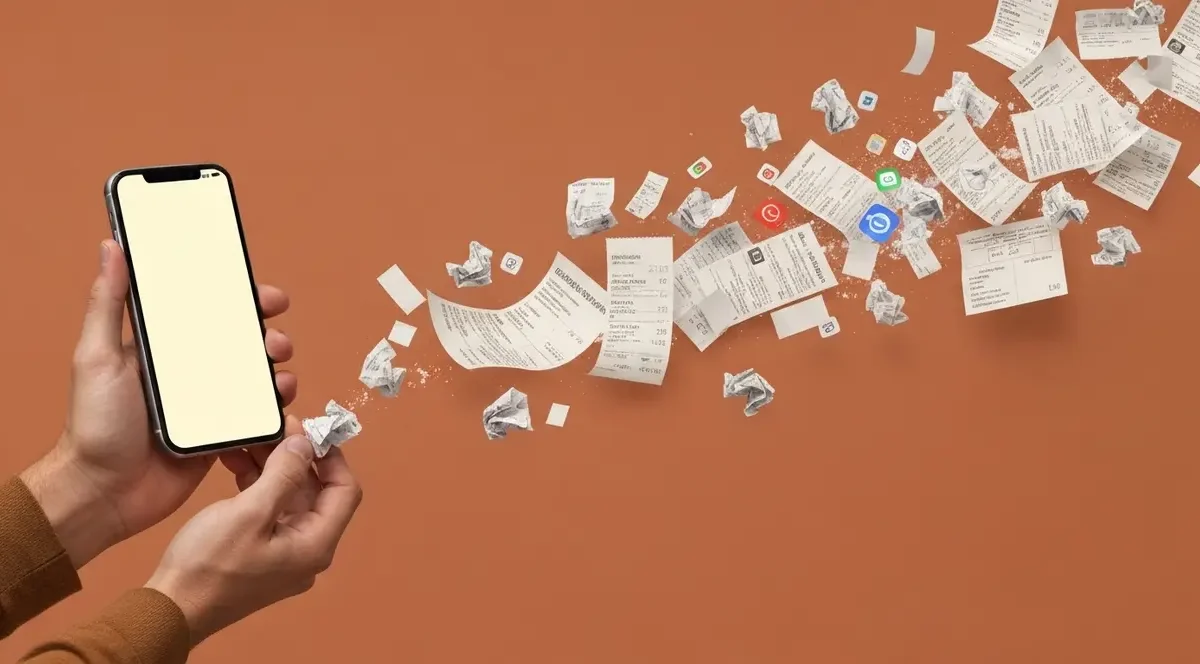
You open your banking app on a Sunday night, scroll through last month’s charges, and there it is: $14.99 to a streaming service you swore you canceled in November. Below that, $9.99 to a meditation app you used twice in 2023. Forgotten subscriptions are the quietest leak in personal finance, and they hit almost everyone who pays for anything digital. Most people don’t notice until tax season or until the card declines on something they actually wanted.
Here’s what makes it sting. According to C+R Research, the average American spends about $219 a month on subscriptions but estimates their own spending at just $86 a month. That’s a 2.5x perception gap. You’re not bad with money; you’re just running a budget against numbers that don’t match reality. The fix isn’t a spreadsheet marathon. It’s a 10-minute habit and knowing where to look.
Why forgotten subscriptions slip past smart people
Subscriptions are designed to be invisible after signup. The merchant name on your statement is rarely the brand name you remember. “BILL.COM*XYZ” or “DRI*CLEVERBRIDGE” doesn’t read like “that photo backup service I tried in March.” Free trials convert silently. Annual renewals hit once a year, which means you miss them 11 months out of 12. And card issuers don’t flag a $12.99 charge as unusual; it looks normal because it IS normal in aggregate.
I’m gonna be straight with you: the math here is brutal. Forgotten subscriptions drain $32 to $50 per month from the typical American bank account, which works out to roughly $384 per year per person, per C+R Research and JustCancel data. Multiply across a household and you’re looking at real money. Americans collectively waste over $15.5 billion annually on this exact category of charge.
Common culprits to scan for first:
• Streaming services you added for one show and never cancelled. Deloitte found the average U.S. household pays $69 a month across 4.5 streaming platforms.
• App store auto-renewals: photo editors, fitness apps, language tools, productivity suites. Apple and Google make canceling far harder than subscribing.
• Cloud storage tiers from Google, Apple, Dropbox, Microsoft. The $1.99 to $9.99 tier is the most-forgotten bracket.
• Free trials that converted: 48% of consumers admit being charged after forgetting to cancel a trial.
• Gym memberships and class packs billing monthly while your sneakers stay clean.
That list alone usually covers 70% of what people find on their first audit.
The 10-minute weekly review that actually works
Spending control is frequency, not complexity. A weekly 10-minute pass through your statement beats a quarterly two-hour spreadsheet session every single time. The reason is psychological: when a charge is fresh, you remember whether you used the service. Three months later, your brain invents a story to justify keeping it.
Here’s how I run it. Sunday night, coffee in hand, I open my primary checking and credit card apps and scroll the last seven days of charges. Anything I don’t immediately recognize gets flagged. Anything recurring gets one of three labels in my head: actively using, occasionally using, forgot it existed. The third bucket gets canceled before I close the app. Total time: under 10 minutes once you’ve done it three or four weeks running.
Pull up your statement and look: the goal isn’t to catch every penny. It’s to catch the recurring leaks before they compound. One $14.99 charge ignored for 18 months is $270. Five of them is $1,350. That’s a vacation, an emergency fund contribution, or 60% of an annual Roth IRA bump for someone working part-time.
The bank tools most customers never open
Back at the bank we called this the “ghost ledger.” There’s stuff the bank’s system shows that the customer never sees, and recurring-payment detection is exactly that. Major banks have built subscription tracking directly into their apps, and almost nobody uses it. Chase shows recurring charges under “Insights” in its mobile app. Bank of America has a dedicated “Recurring Payments” section. Wells Fargo, Capital One, and most large issuers have similar features now.
I’ve analyzed thousands of bank statements. Clear pattern: customers who use their bank’s built-in subscription view find an average of two to four forgotten charges in their first sitting. The data was already there. They just never opened the right tab. Detail that makes all the difference: these views group charges by merchant across months, so a quarterly billing or annual renewal jumps out instead of hiding in a single month’s noise.
If your bank doesn’t offer this, the third-party route works too. Rocket Money reports its users discover an average of $80 to $100 per month in forgotten or unwanted subscriptions after their first account scan. Quicken Simplifi, priced at $2.99 to $5.99 per month billed annually, claims users can manage their finances in under five minutes a week. Just do the quick math first: a $5.99 monthly tool that finds $80 of waste pays for itself 13 times over. A $5.99 tool that finds $4 in waste is itself a forgotten subscription.
The statement audit: how to do it once, properly
The weekly review handles maintenance. Once or twice a year, you need a deeper audit. Experts recommend pulling 3 to 6 months of statements: three months catches quarterly charges, but six months is needed to surface annual renewals. I’d push for the full 12 if you’ve never done this before, because some merchants bill yearly and a 6-month window will miss them entirely.
Download the PDFs or export to CSV. Open your favorite spreadsheet or just print them. Highlight every charge that appears more than once with the same merchant, even if the amount varies slightly. Then build a quick three-column list: merchant, monthly cost, last time you actually used it. The “last time you used it” column is where the truth lives. If you can’t remember, that’s the answer.
Heads up on cancellation friction. The FTC’s original “click-to-cancel” rule, finalized in October 2024, was vacated by the U.S. Eighth Circuit Court of Appeals on July 8, 2025, on procedural grounds. On March 11, 2026, the FTC announced a new Advance Notice of Proposed Rulemaking to restart the process, but a final rule is likely years away. The bipartisan Unsubscribe Act was reintroduced in the U.S. House on January 13, 2026, though it hadn’t passed either chamber as of early 2026. Translation: for now, you’re still on your own when a service buries the cancel button three menus deep.
Smarter approaches than the white-knuckle cancel spree
The instinct after a first audit is to nuke everything. Don’t. Spending well isn’t spending less; it’s aligning spend with actual priority. Someone who genuinely watches three streaming services and uses them weekly is getting fair value. Someone paying for five and watching two is leaking 60% of that category.
A better approach is the rotation strategy. Subscribe to one streaming service per quarter, binge what you wanted, cancel, rotate to the next. Most services let you re-subscribe instantly when you want back in, and your watch history is usually preserved. Same logic applies to fitness apps, learning platforms, and most digital tools. The annual prepay discount looks tempting until you realize you used the service for two months out of twelve.
One more habit that pays off: use a dedicated card for all subscriptions. Pick one credit card, route every recurring charge through it, and check that one statement weekly. This concentrates the leak in a single place where you can’t miss it. If the card has cash back on streaming or recurring categories, even better. The 1% to 5% back partially offsets services you do keep.
What changes Monday morning
The real insight isn’t that you have forgotten subscriptions. It’s that the 2.5x gap between perceived and actual spending means every other number in your budget is probably off by the same factor. Fix this category and you’ll find the rest of your financial picture sharpens too.
Three profiles, three plays:
• Under 30, lots of trials and app charges: route every subscription onto one card, set a calendar reminder 48 hours before any free trial ends, and run the weekly 10-minute review religiously for 90 days.
• Household with kids and 4+ streaming services: do the rotation strategy. Pick two services to keep year-round and rotate the others quarterly. Expected savings: $30 to $50 a month.
• High-income, “I’ll deal with it later” type: pay $5.99 for one month of Rocket Money or Quicken Simplifi, let it scan, cancel what you don’t want, then cancel the tool itself. One-time cost, recurring savings.
The most common failure I’ve seen isn’t picking the wrong tool. It’s doing one big audit, feeling great, and never repeating it. Six months later the leaks regrow. Two complications to watch: merchants change billing descriptors after a corporate acquisition (so a charge you cleared in March looks unfamiliar in September; check the amount and date pattern before assuming it’s new), and family plans can hide individual signups under one parent’s card (do the audit together).
This week, do three things. Open your bank app and find the recurring payments or insights tab tonight. Tomorrow, download three months of statements and highlight every repeat merchant. Friday, cancel anything you haven’t used in 60 days. For ongoing reference, the Consumer Financial Protection Bureau publishes guidance on disputing unauthorized recurring charges, and the Federal Trade Commission tracks the current state of subscription cancellation rules. Bookmark both.